
Instructions To Raise GitHub Access
PREREQUISITE: To provide access to EY GitHub, a GitHub EMU admin is required (Needs to be part of Administrator User Group).
The steps that are required to be performed by (Admin) or (User) is mentioned in the header.
LINK: GitHub EMU Offering
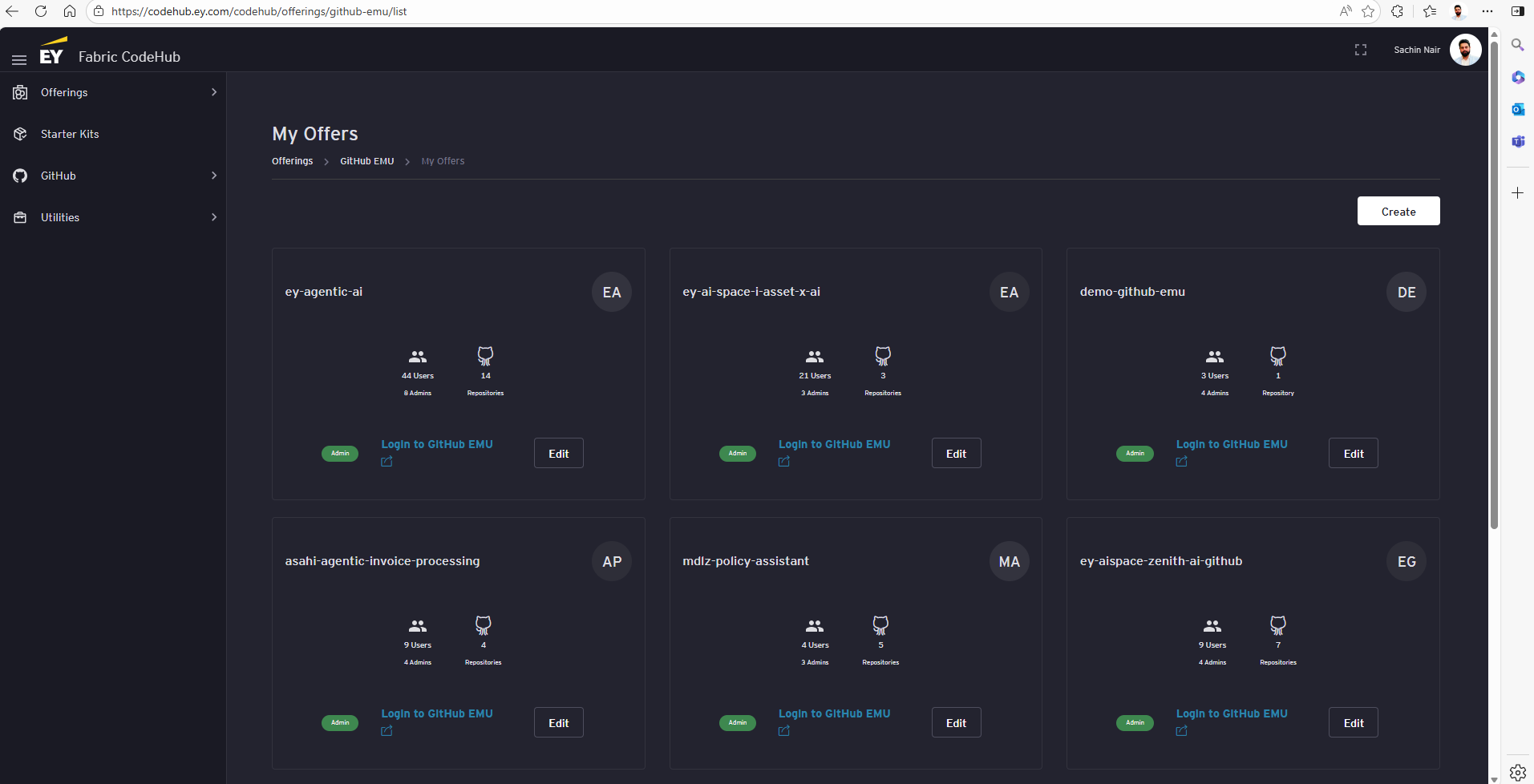
Expand the ‘Offerings’ section by clicking on ‘Offerings’ drop down on the left side
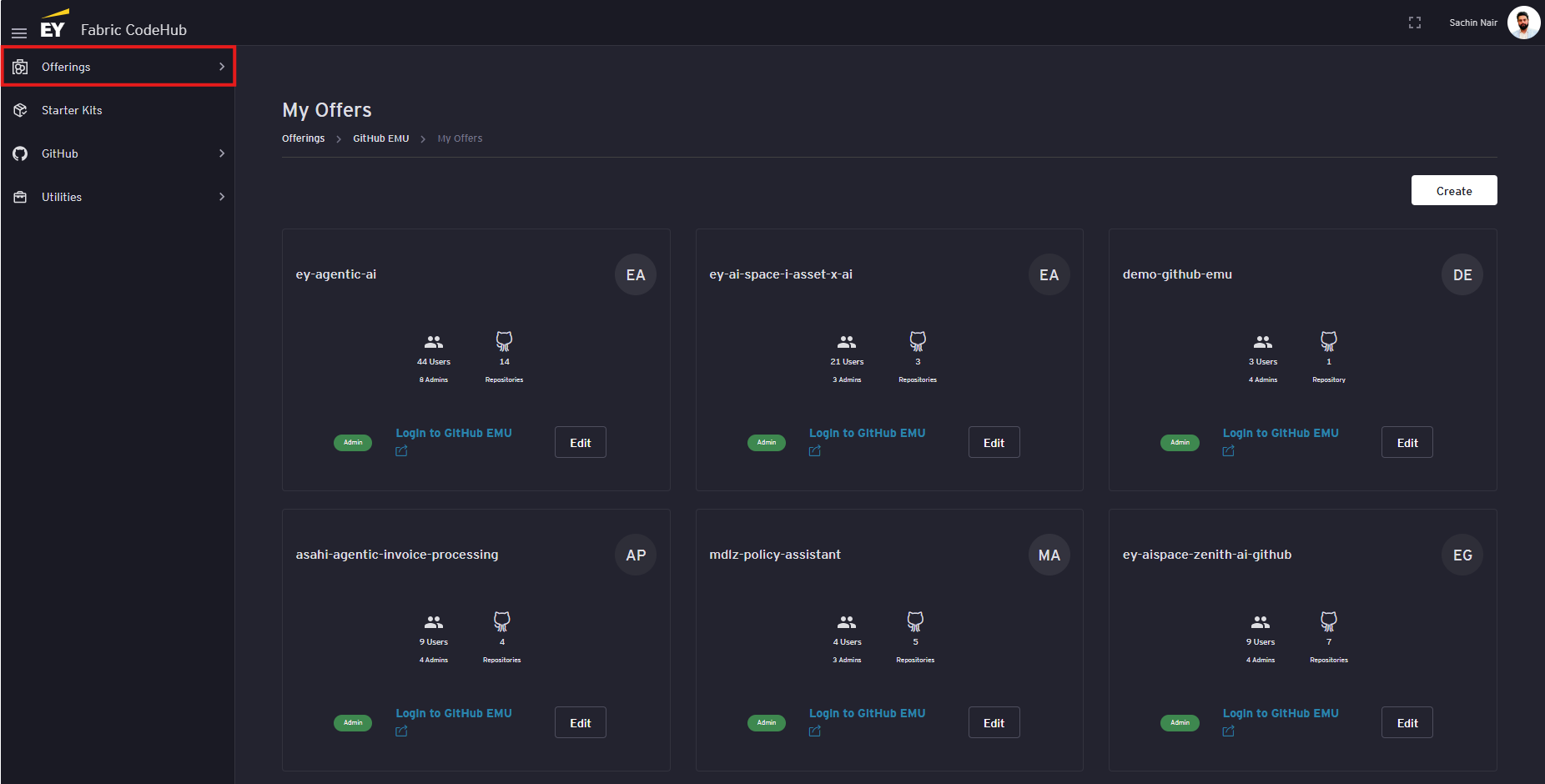
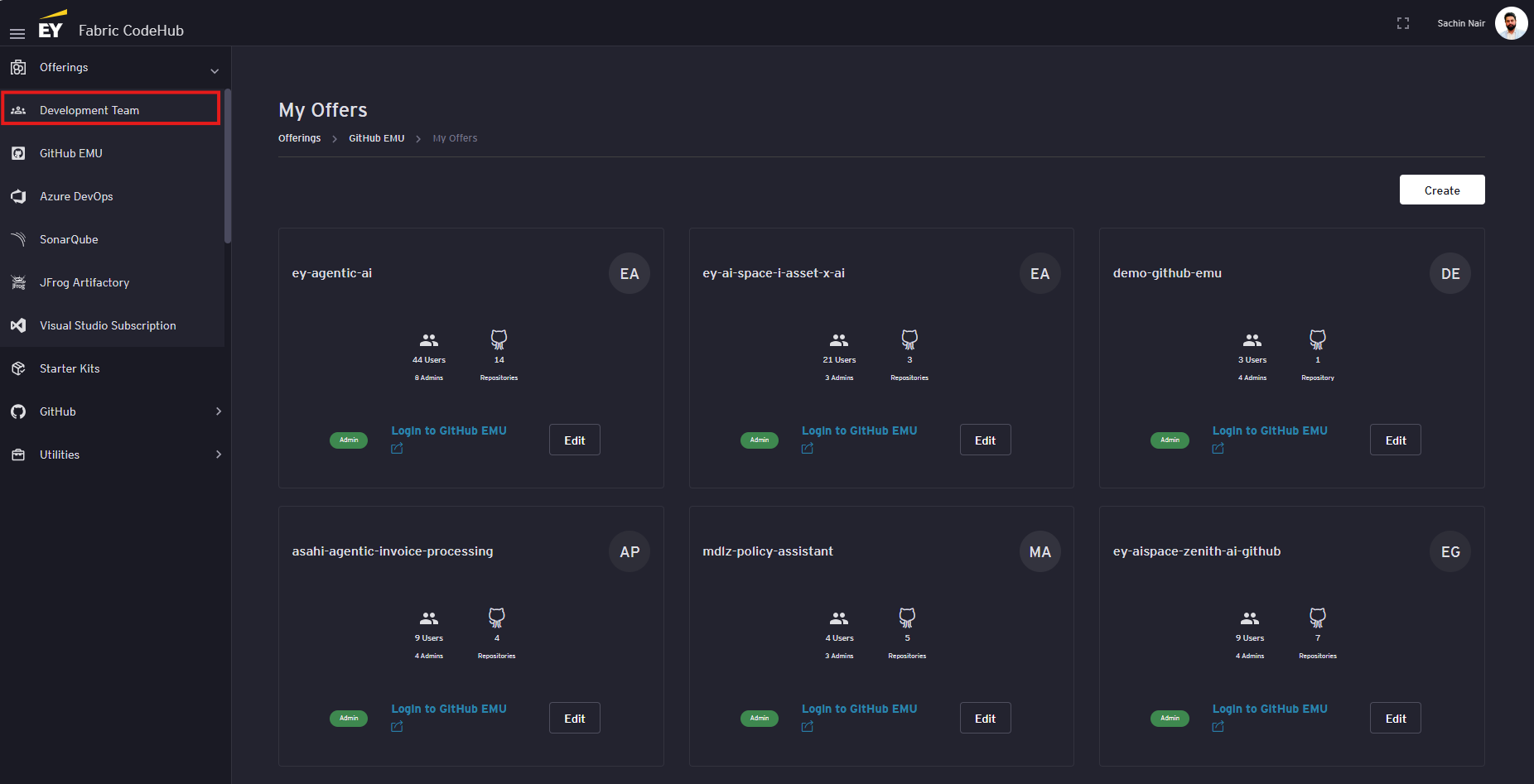
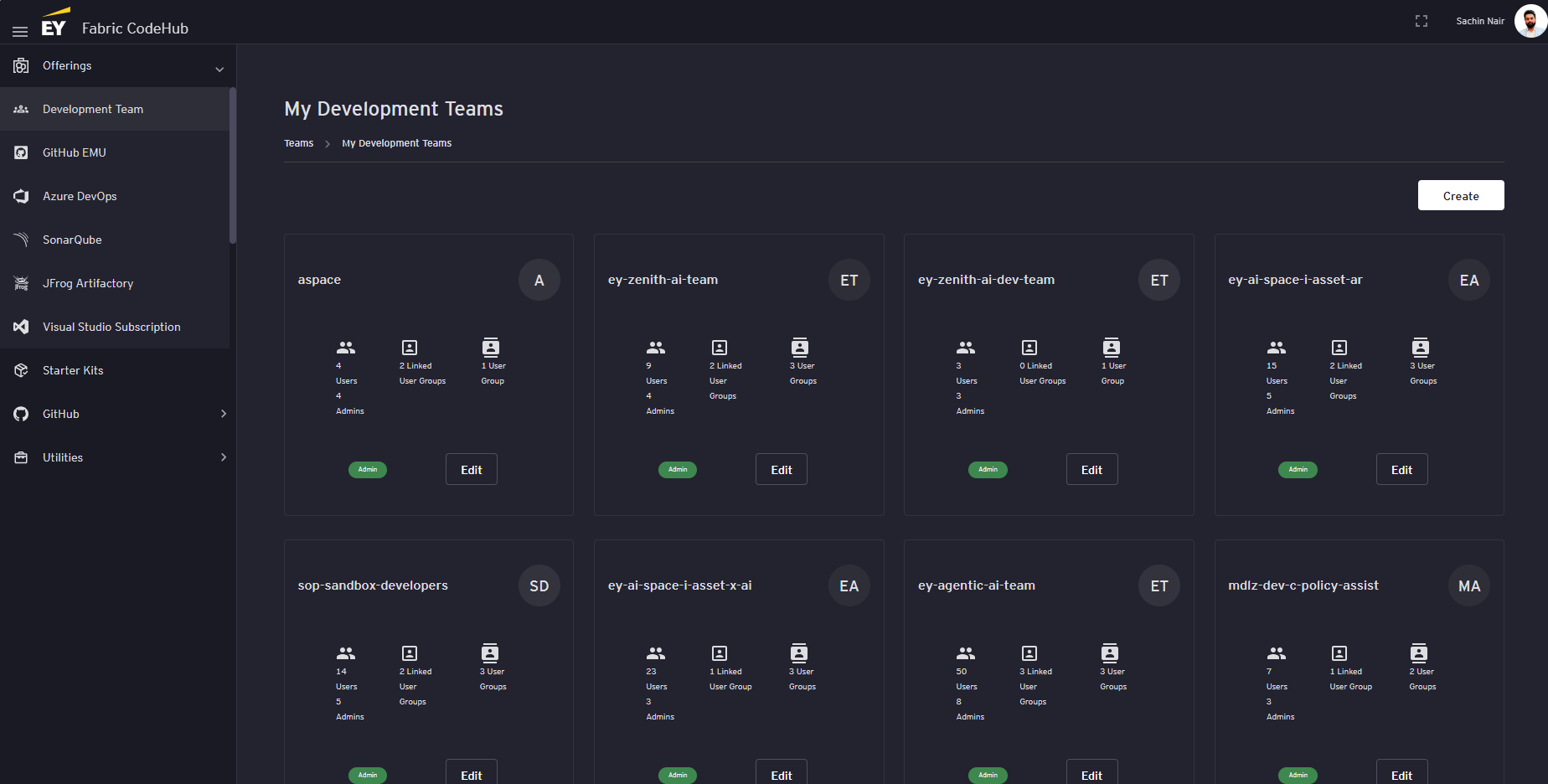
Click on the ‘Development Team’ tab under the ‘Offerings’ section. This should display the list of Development Teams.
-
Add the user to a Development Team (Admin)
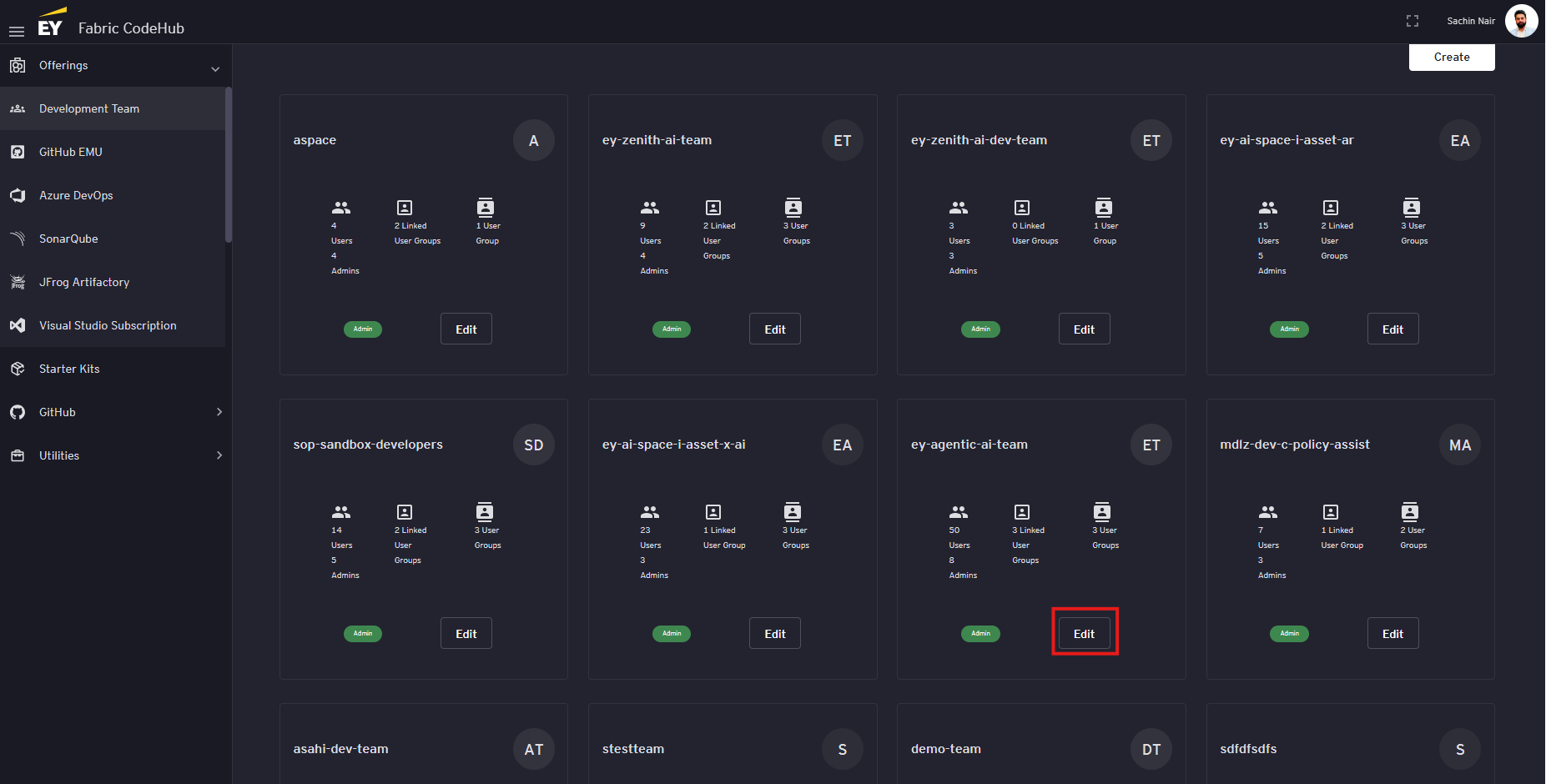
Click on the 'Edit' button on the development team the user needs to be added to.
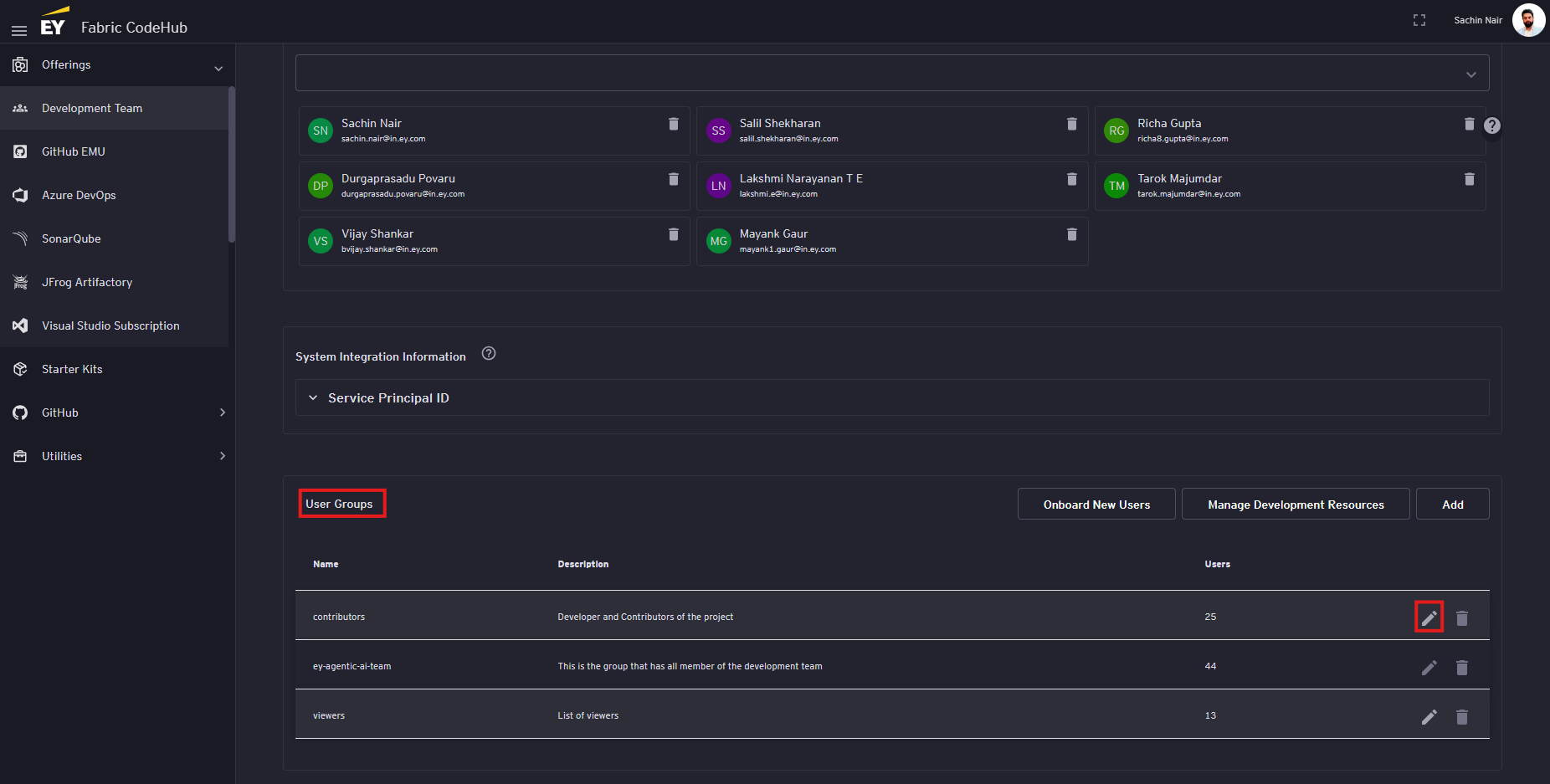
On the edit page, scroll to the 'User Groups' section and click on the 'edit' button next to the user group the user needs to be added to.
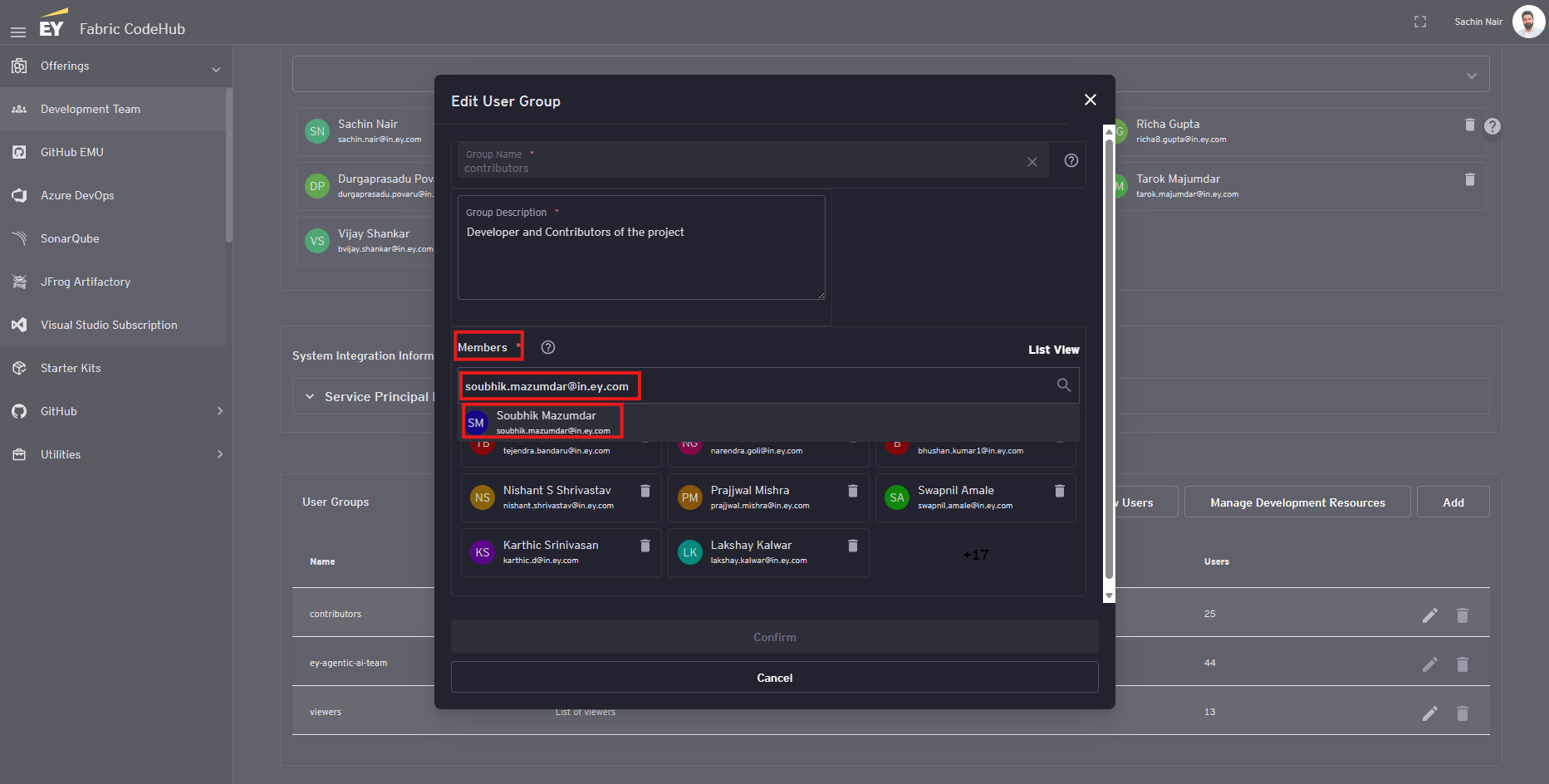
On the edit popup, under the 'Members' section, enter the email id of the user in the search section and select the user from the auto populated dropdown that appears
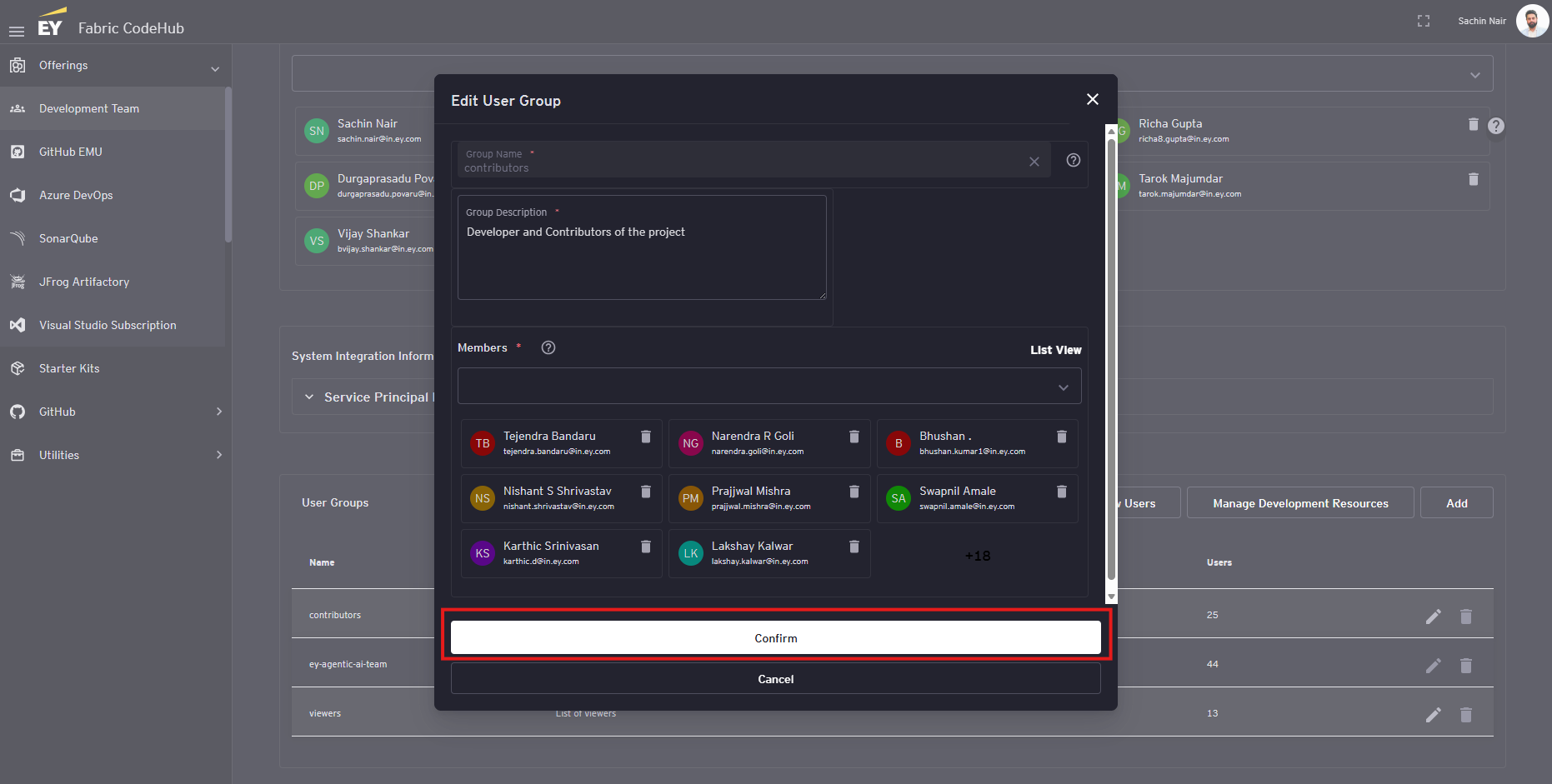
Click on the 'Confirm' button
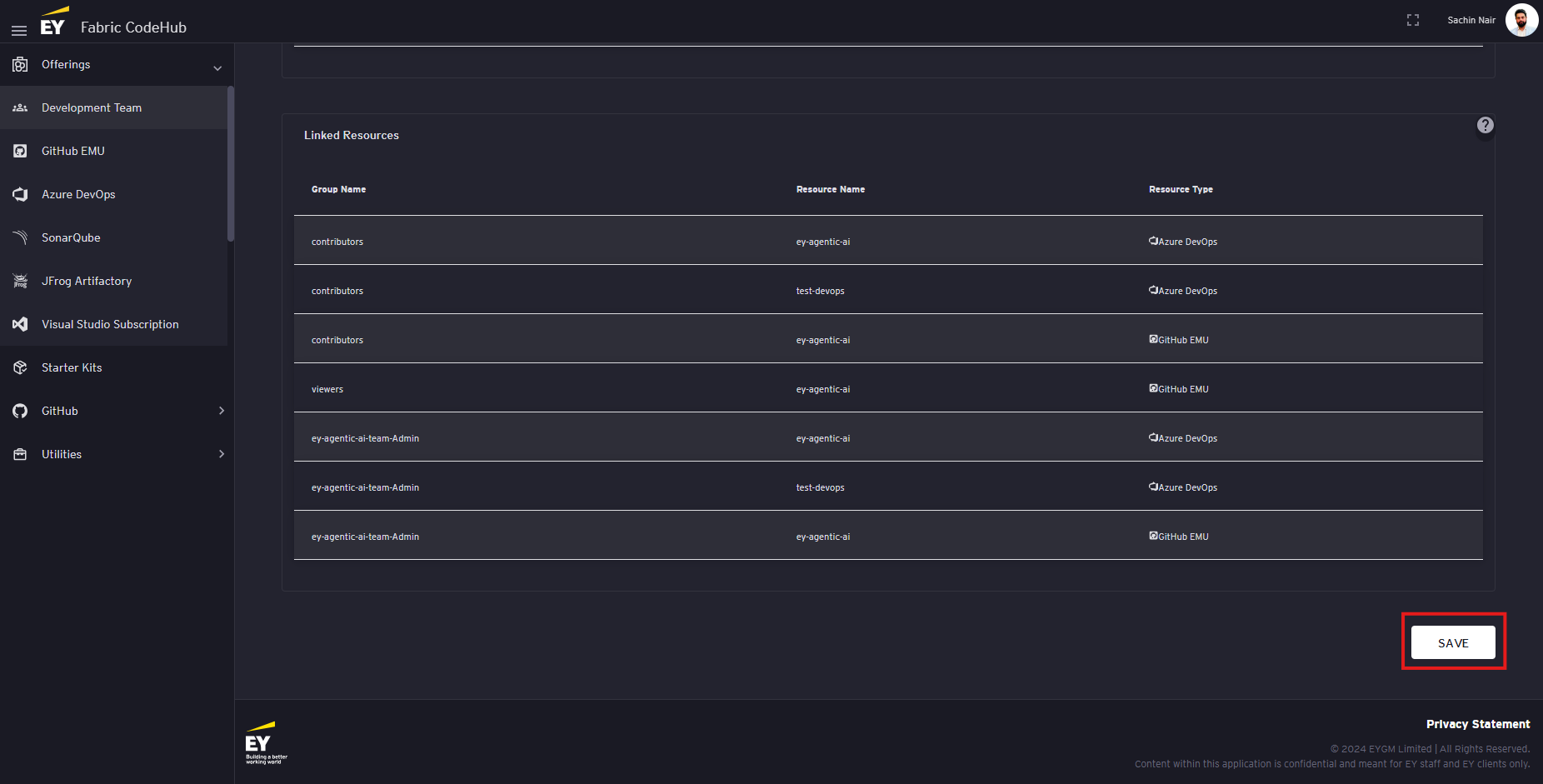
Scroll the bottom of the page and click on the 'Save' button
-
Wait for 1-2 hour for the account to be created (User)
Post addition of the user to the development team automatically triggers the automation to create the users GitHub Account and add the user to the EY organization. This process usually gets completed under 1 hour but sometimes we have observed it taking 2-3 hours as well (In worst case scenario it has taken 24 hrs as well).
-
Verify the GitHub Access (User)
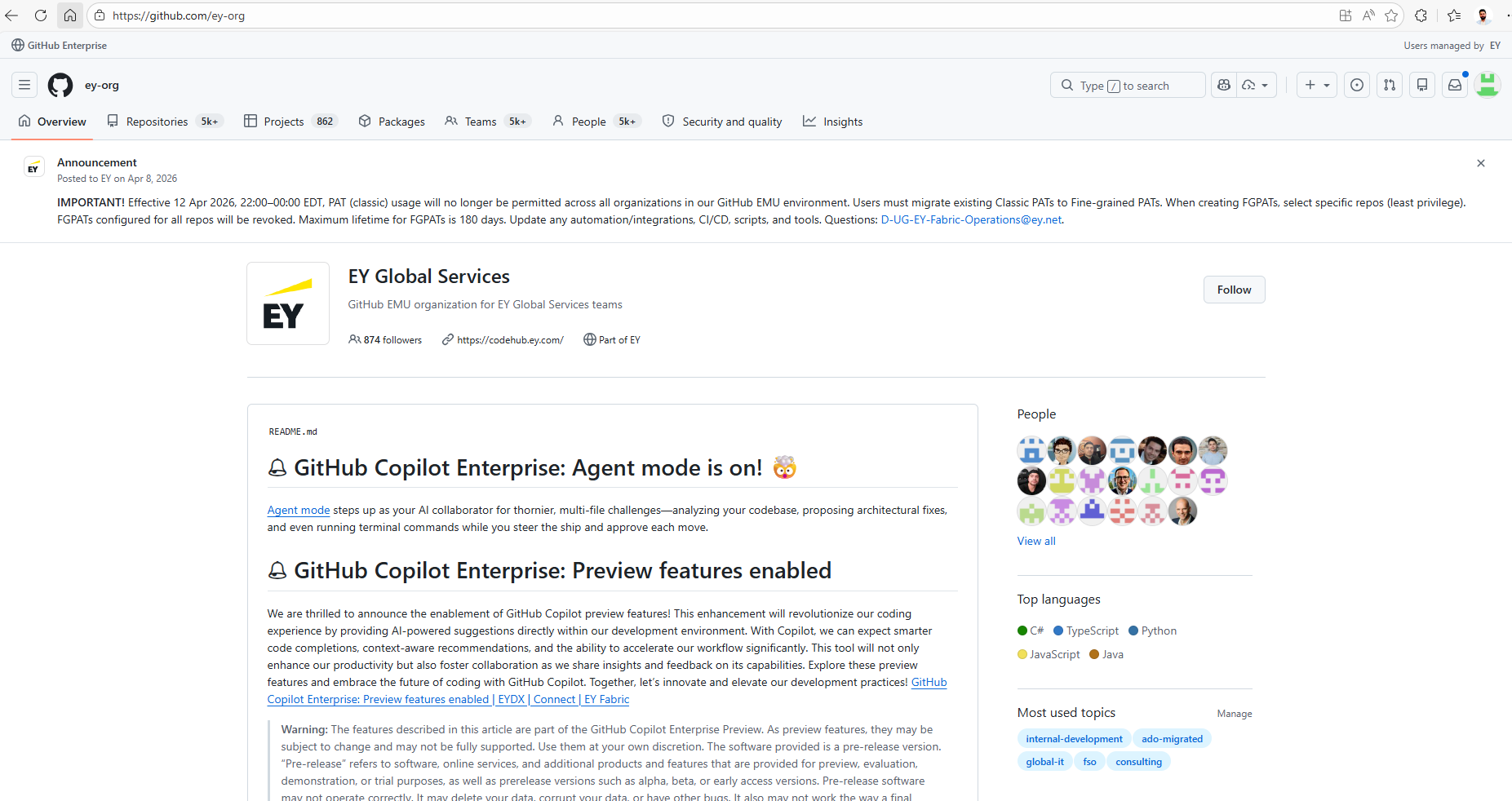
To verify if the account has been created navigate to the following link:
LINK: https://github.com/ey-org
If the user is able to login using the EY Single Sign-On (SSO) then the account has been created and access to EY organization has been granted.
No comments to display
No comments to display